Set up Zoom
Follow the guide to set up zoom for your account
Login to Piloteer AI ↗
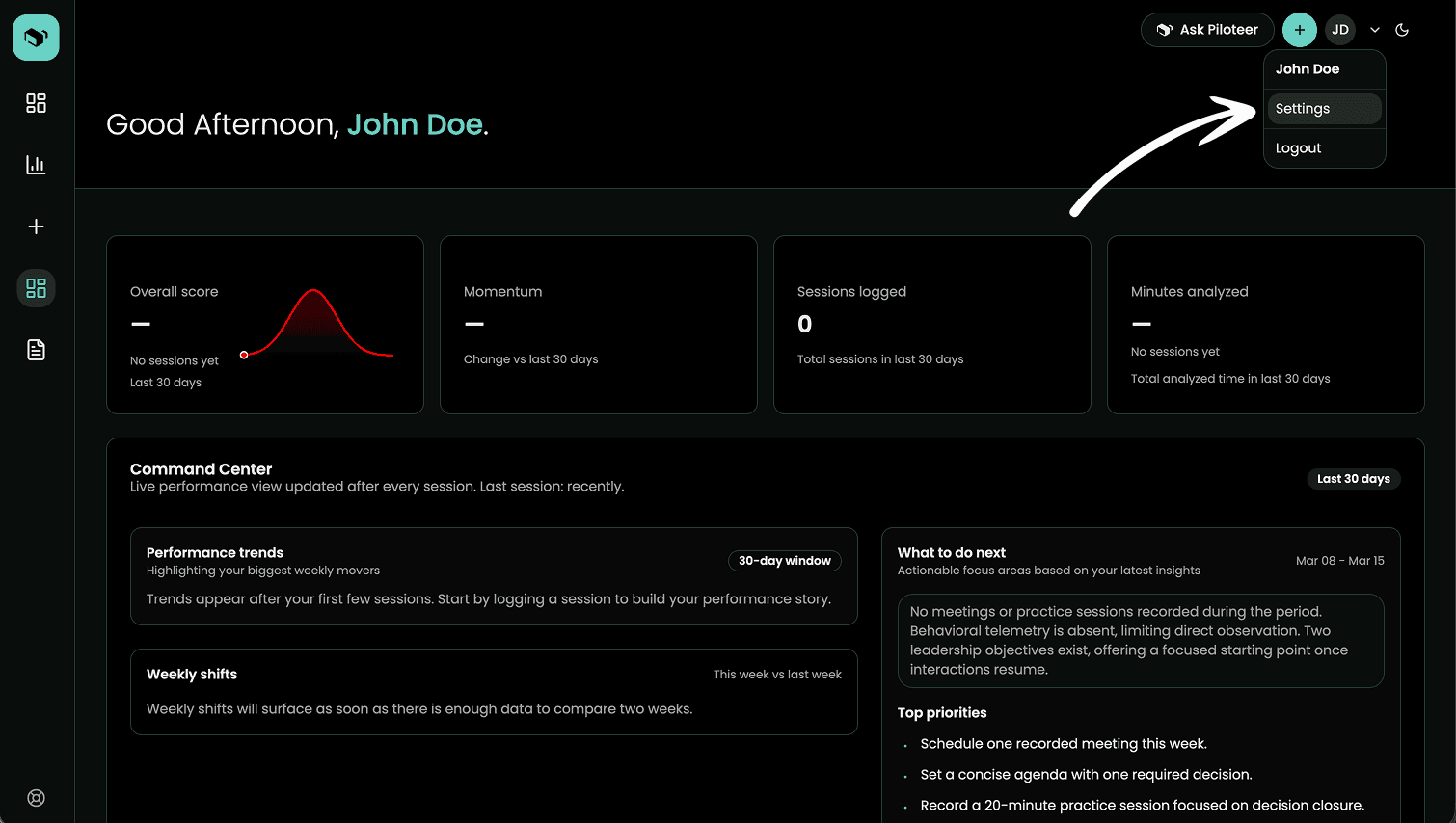
2. Click on settings from top right Menu
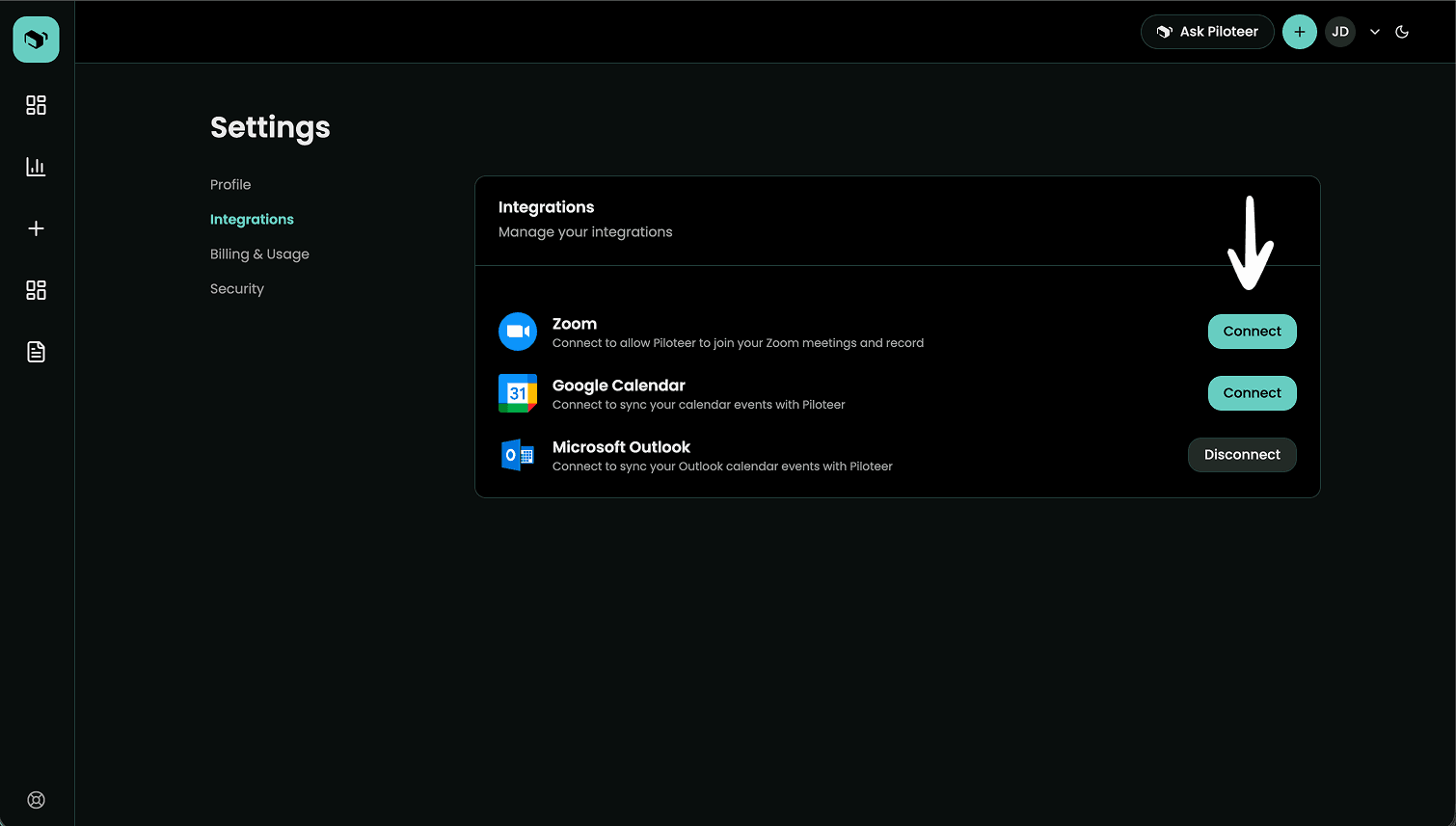
3. Click on Integrations tab on sidebar then click Connect for Zoom
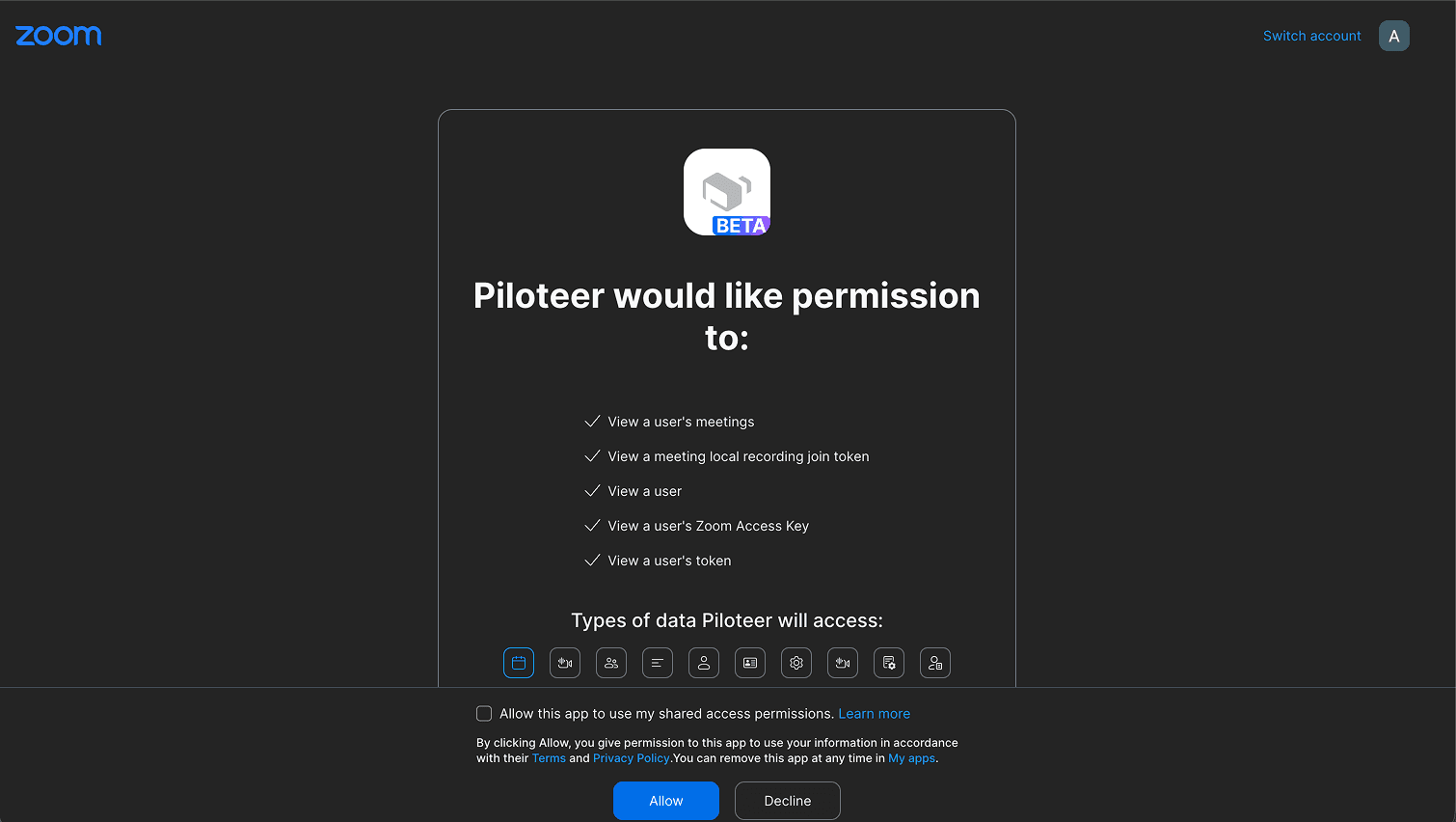
Login to your Zoom account and click Allow
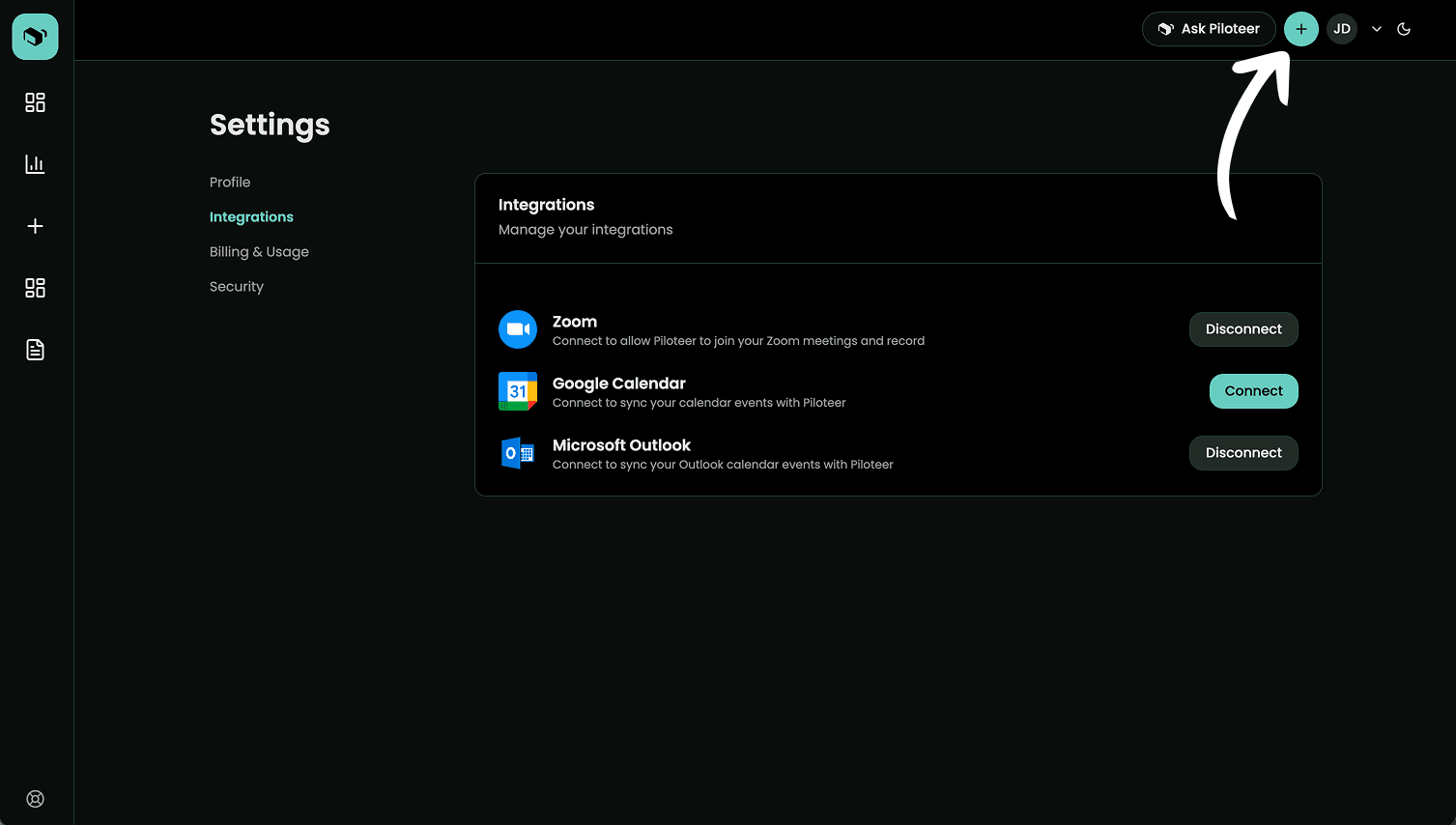
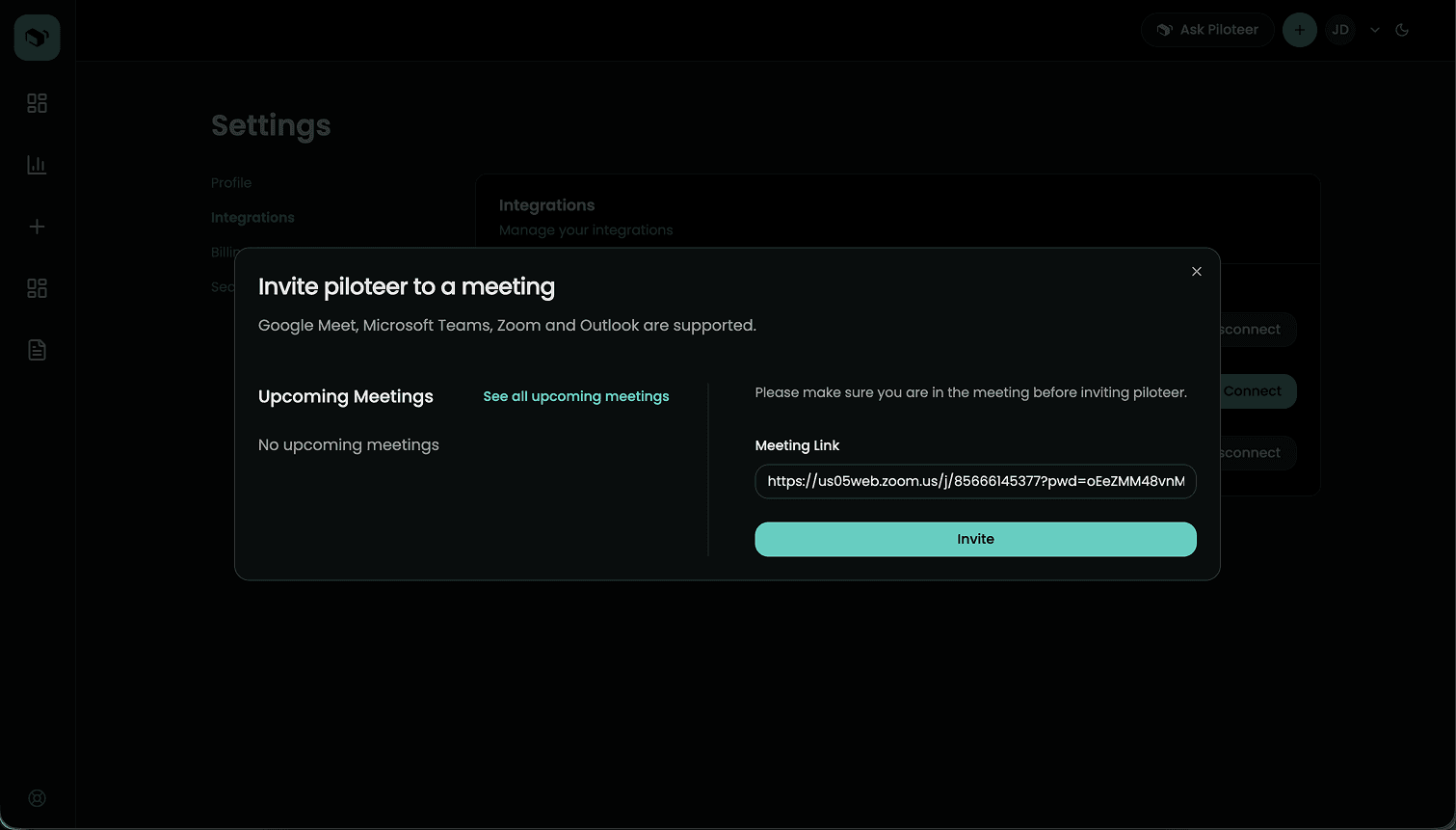
To invite to Zoom meeting click on "+" icon on tip right menu
Enter you zoom link and click on invite
Remove Zoom
Go to Settings
Click on Integrations Tab
Click "Disconnect" for Zoom